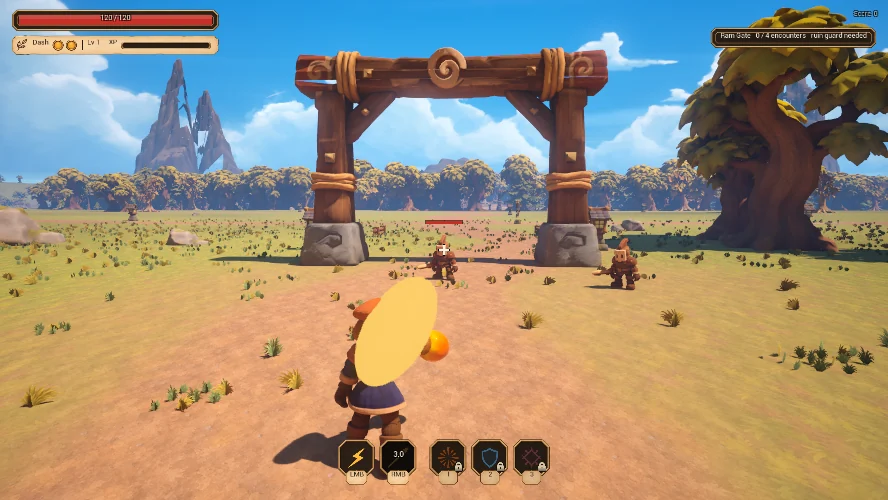
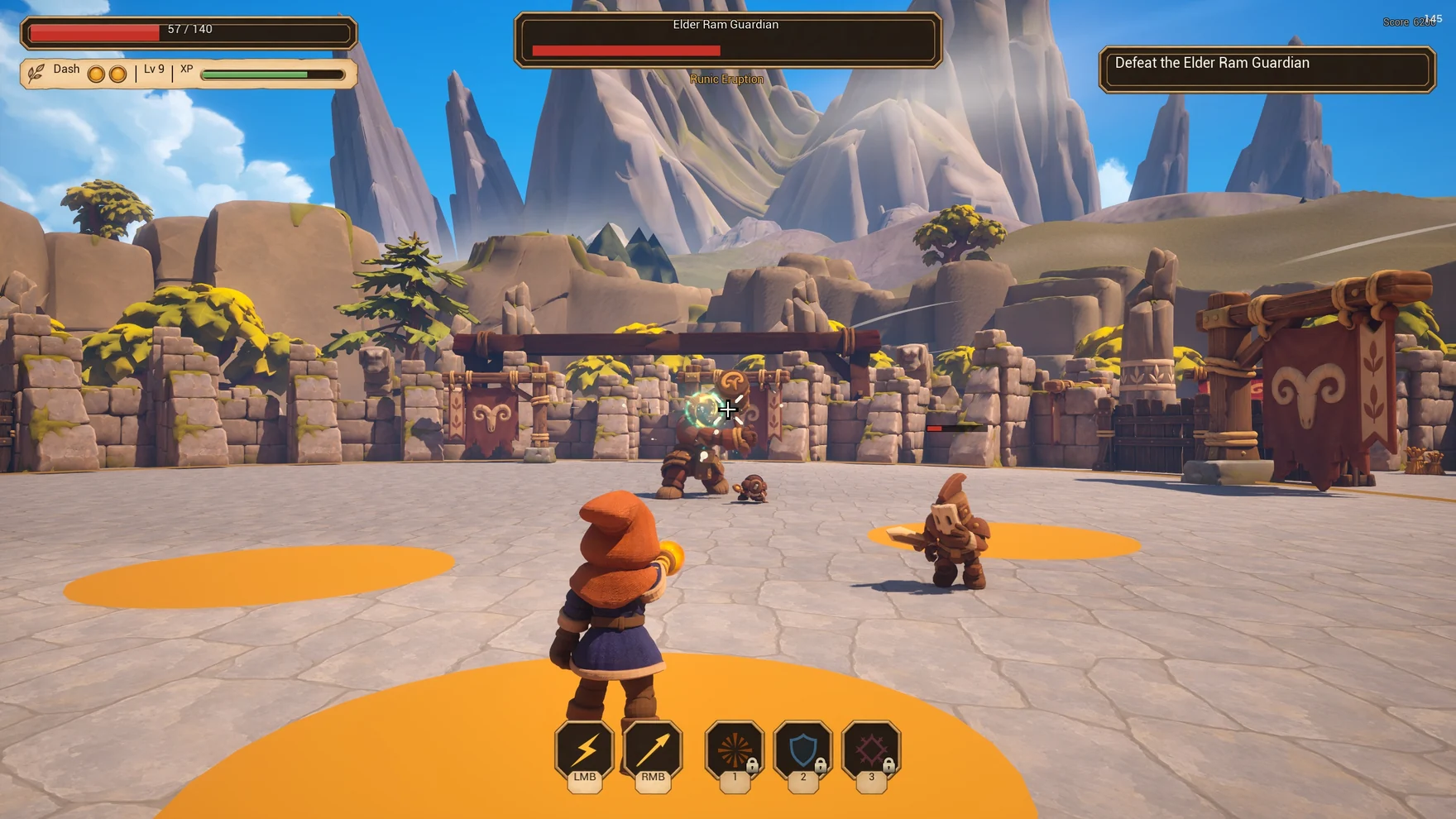
I used OpenAI image generation to find the look of a third-person action RPG, and one Codex conversation to keep a team of specialist chats working toward a playable game.
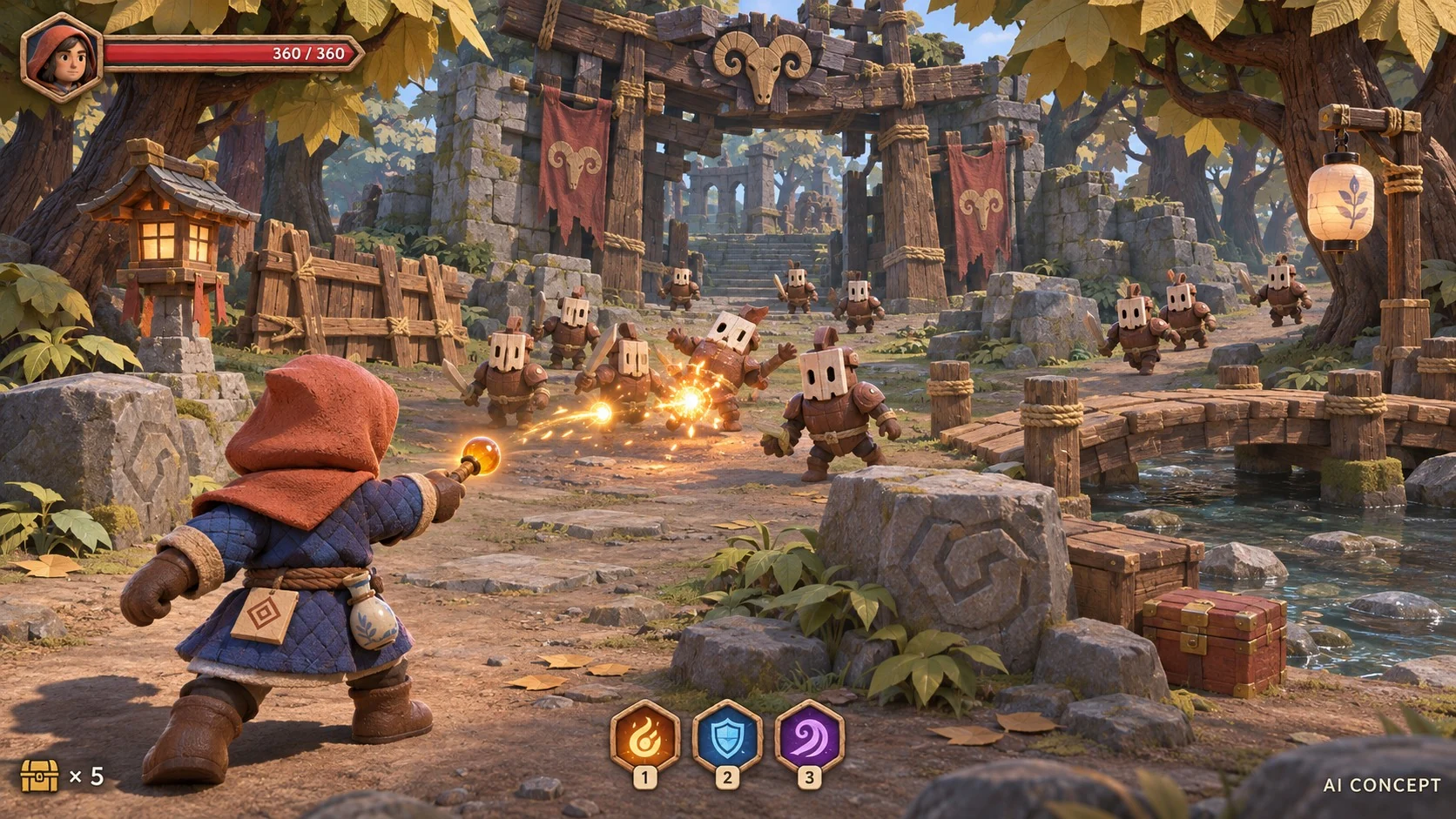
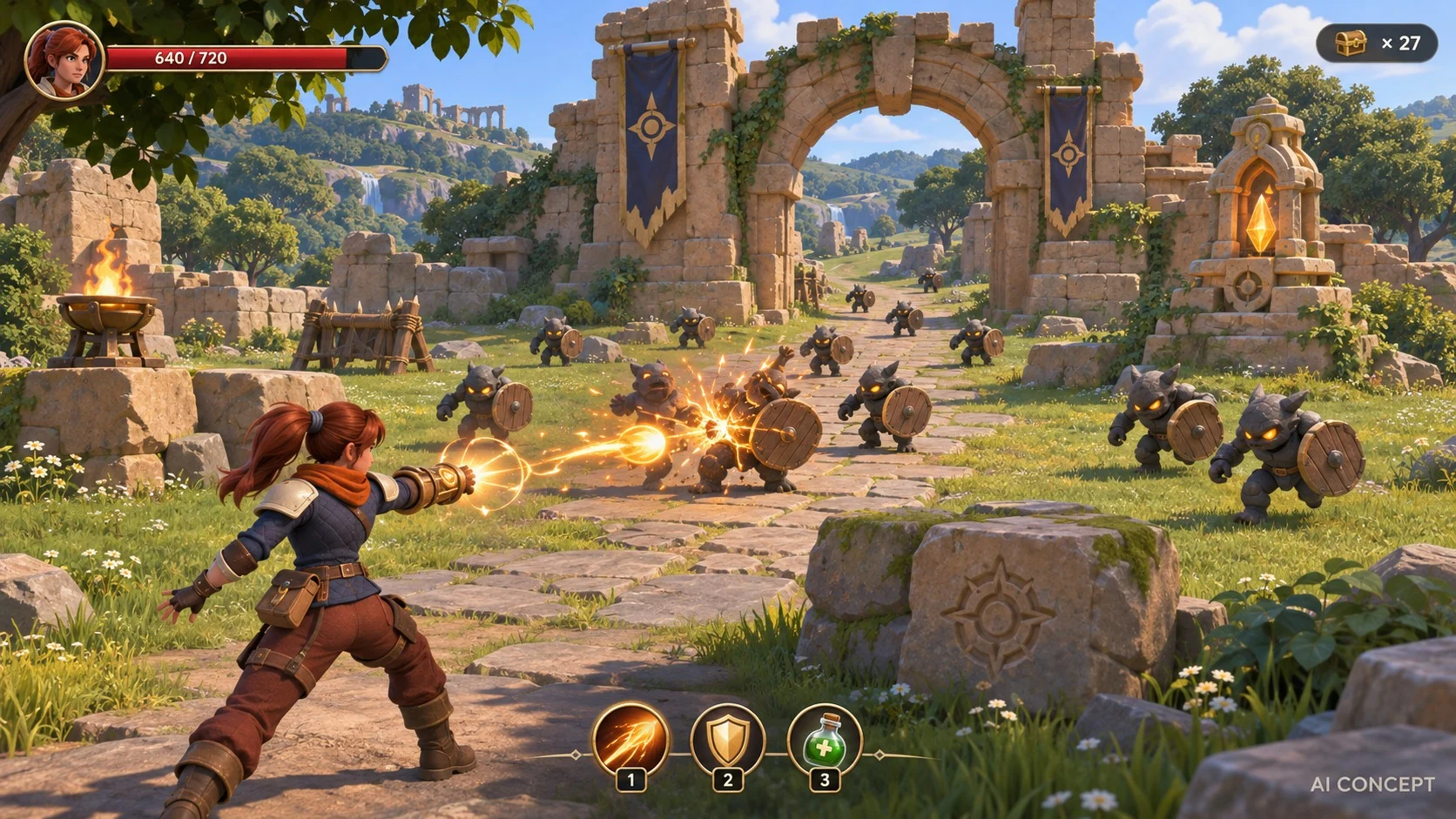
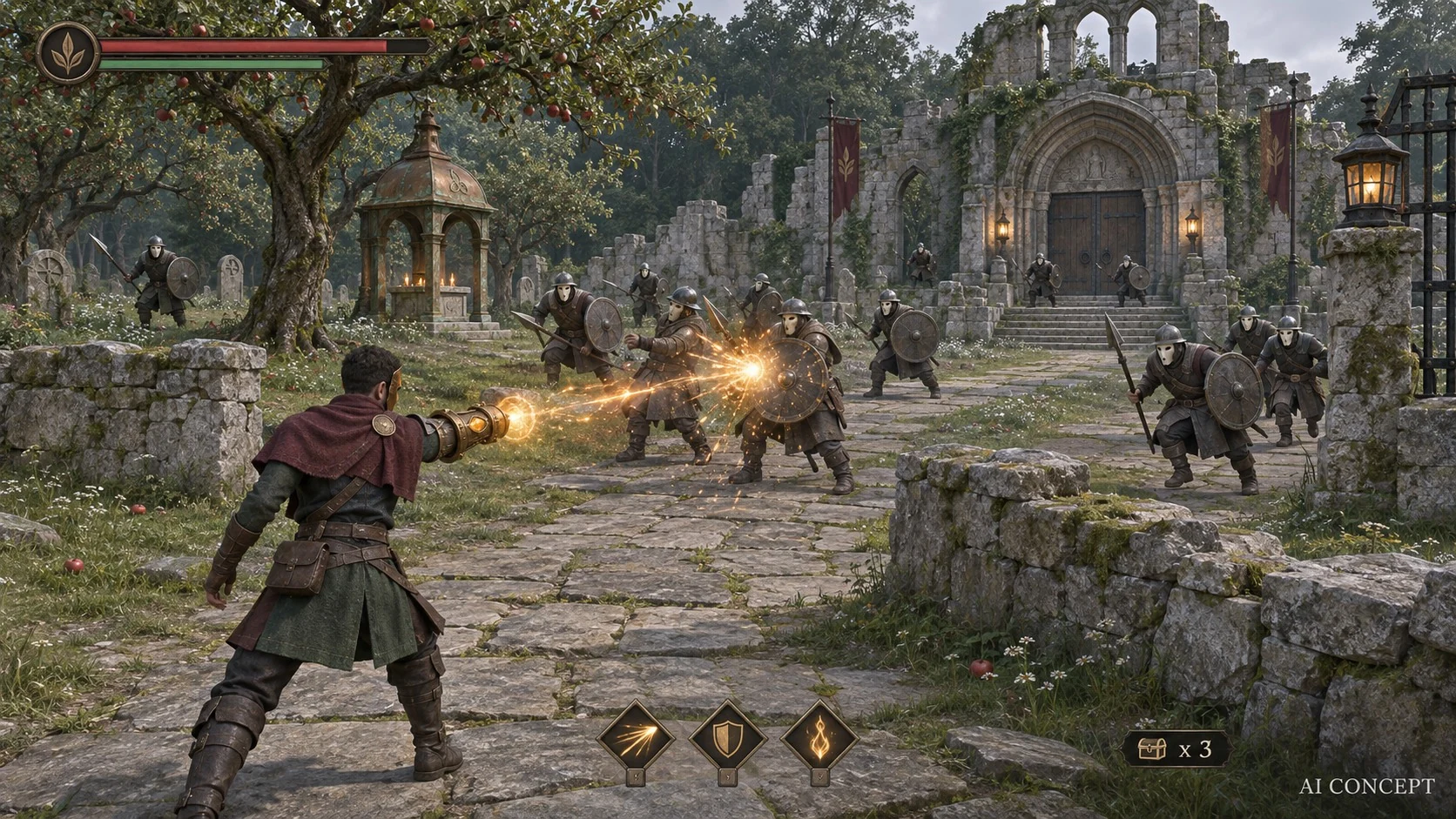
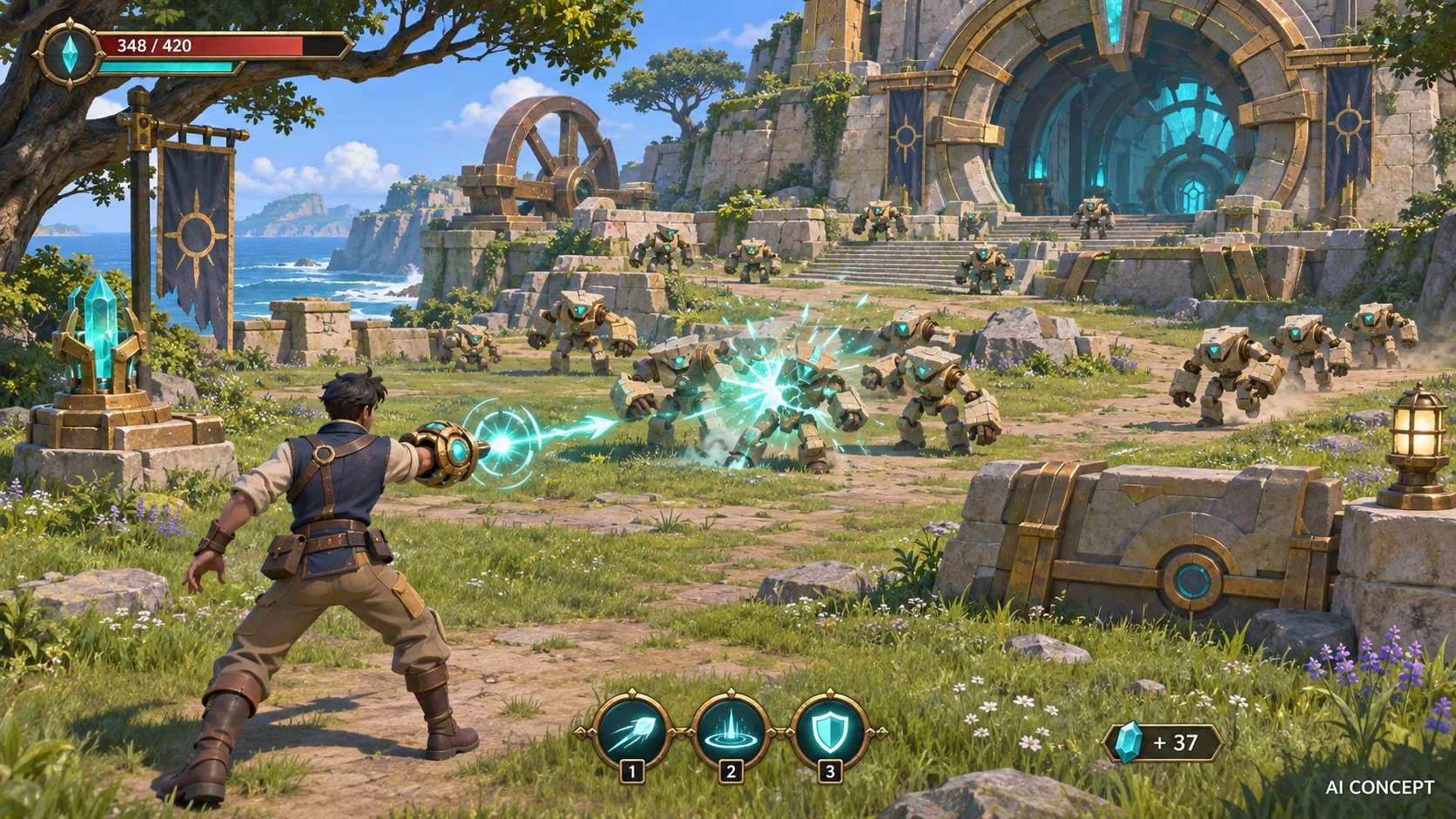
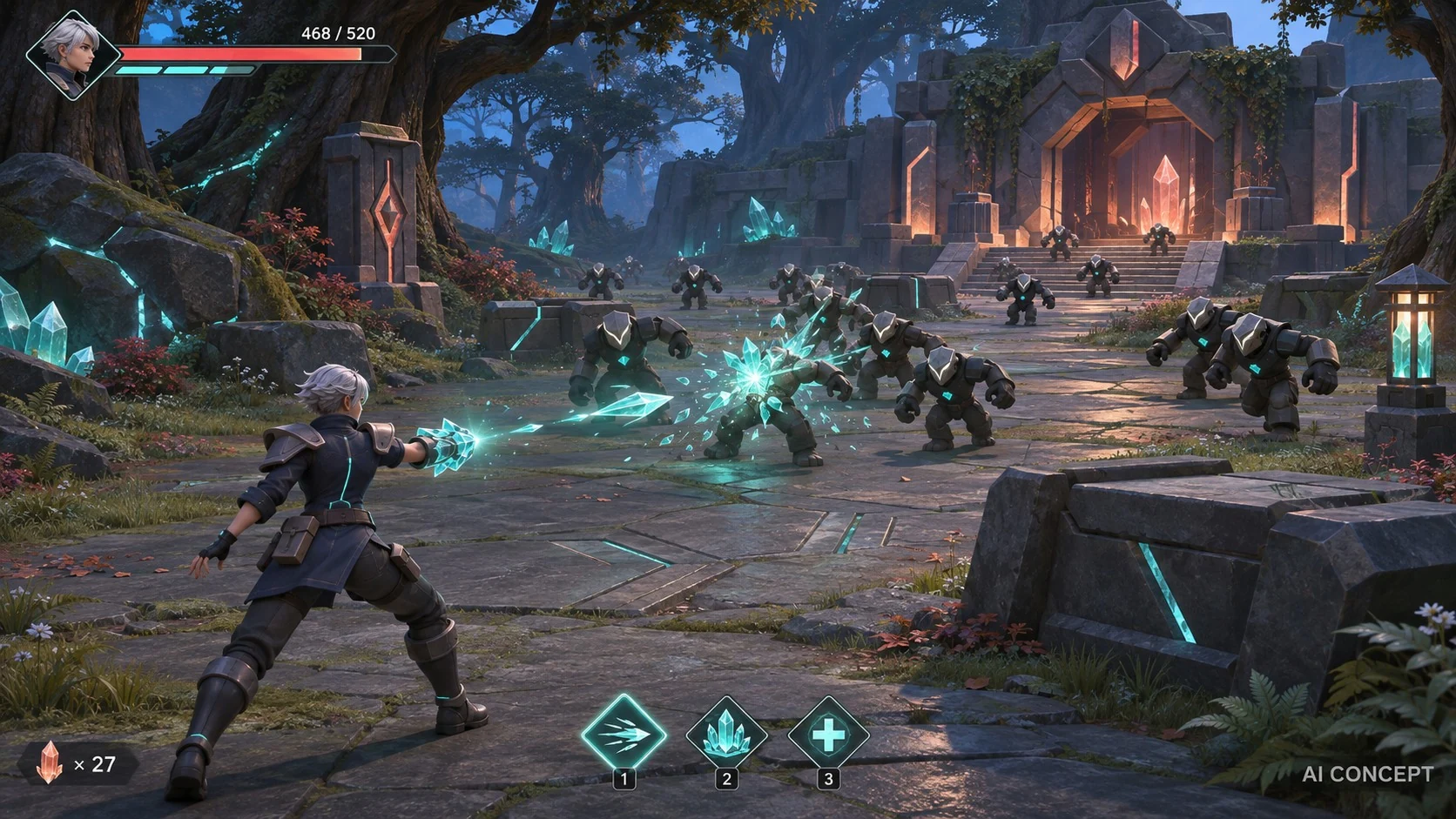
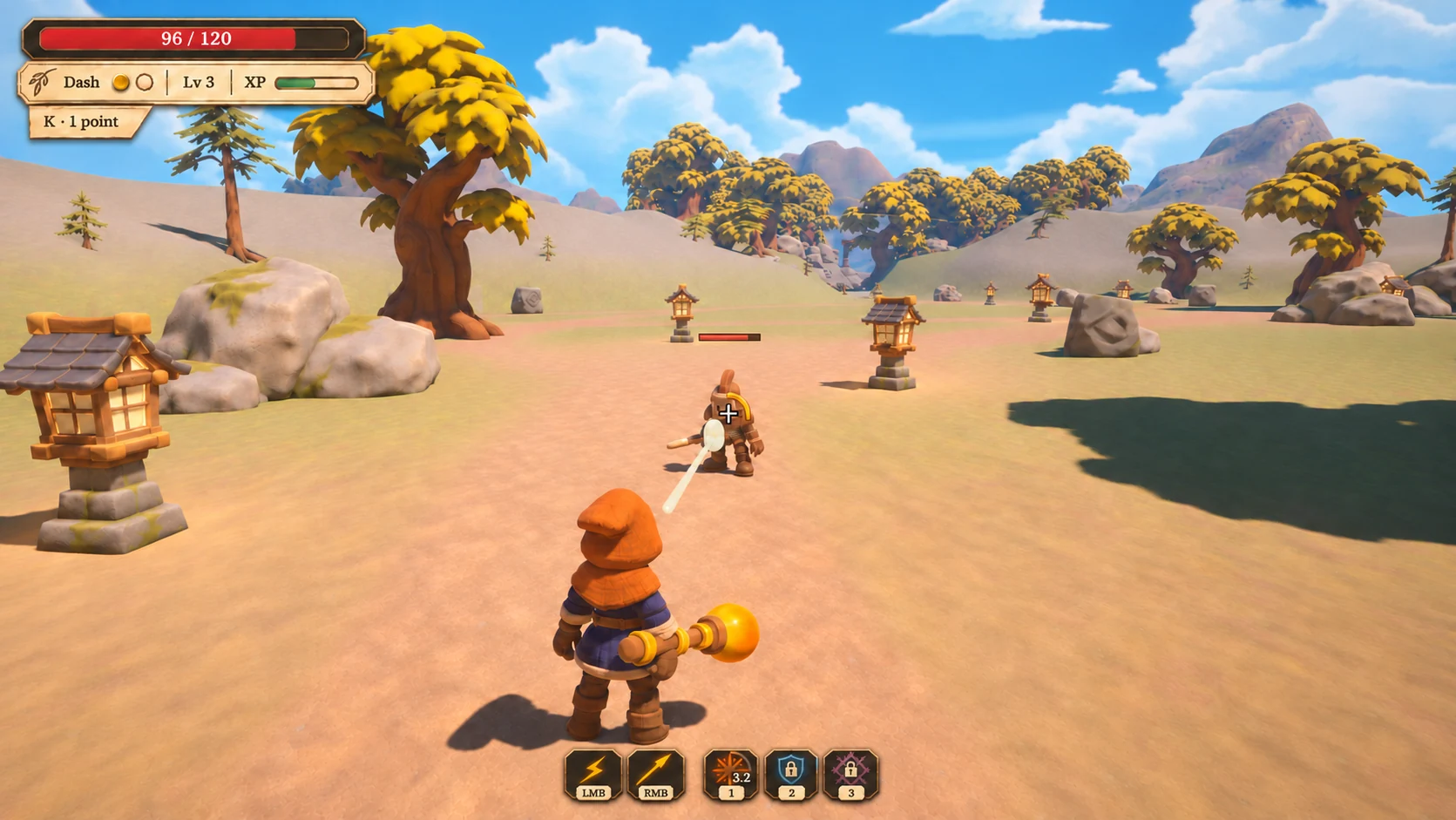
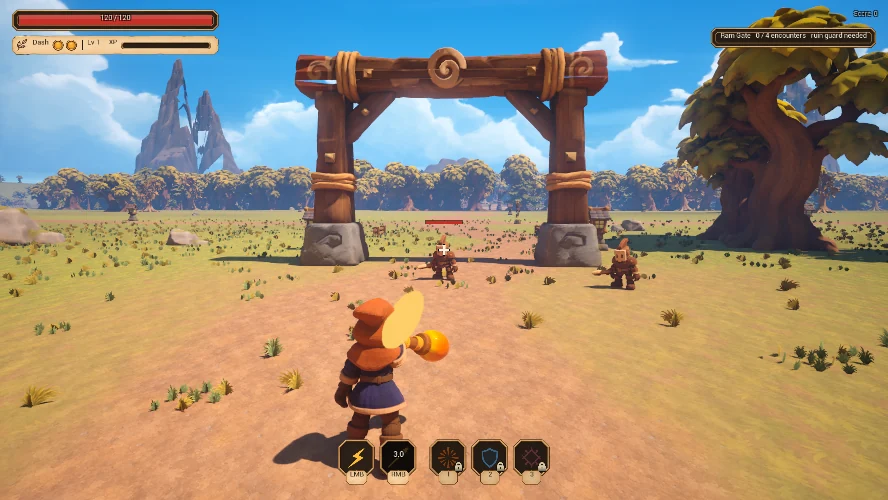
Each OpenAI-generated frame explored how the same combat could read with a different hero, environment and HUD. I chose Lanternwood's wood, stone and cloth, and kept Prism Wilds as a reference for interface clarity.
AI concept · Selected direction
Lanternwood
Small wooden enemies, an orange hood and a torchlit gate gave me a clear visual brief to take into Unreal.
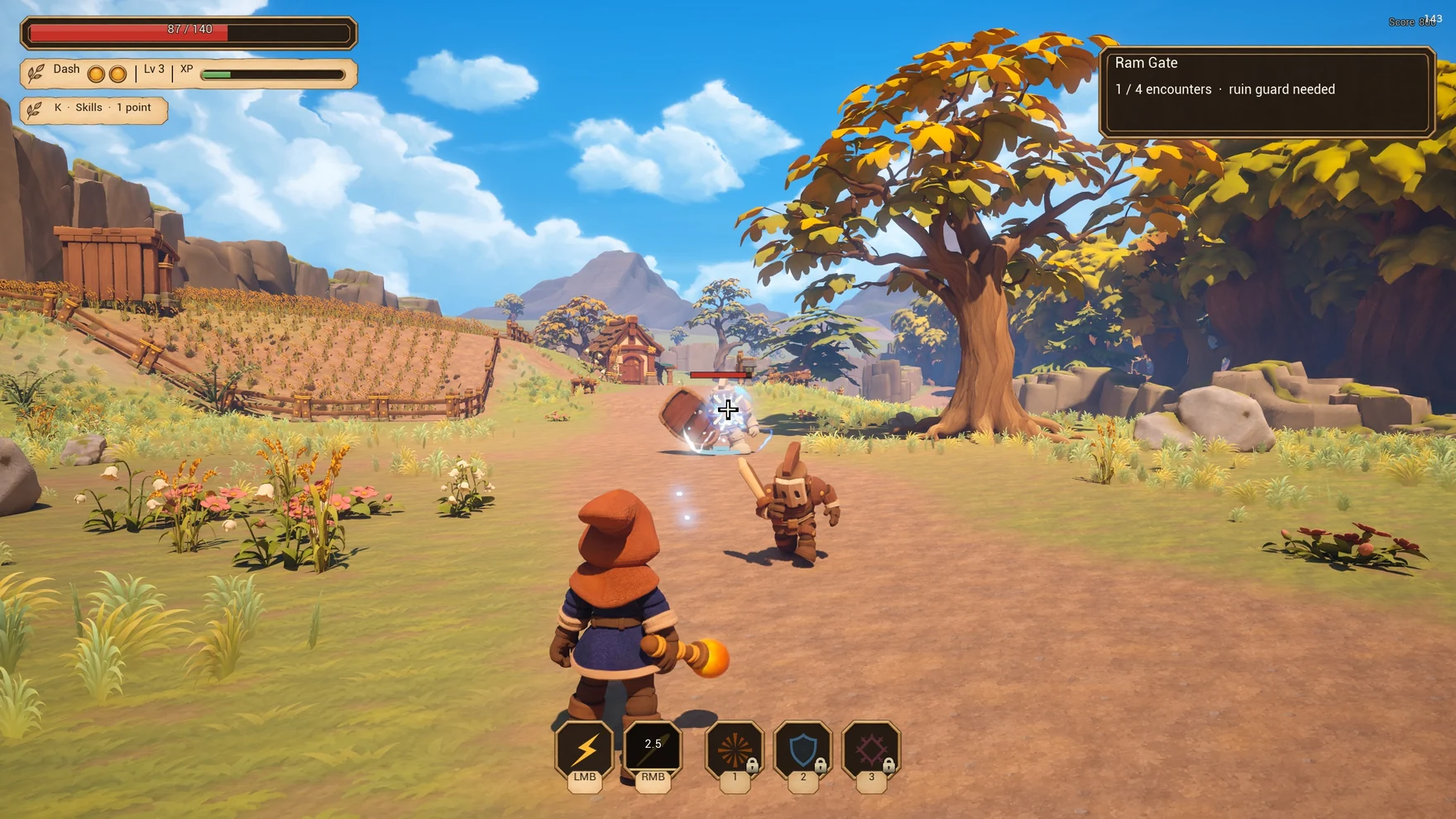
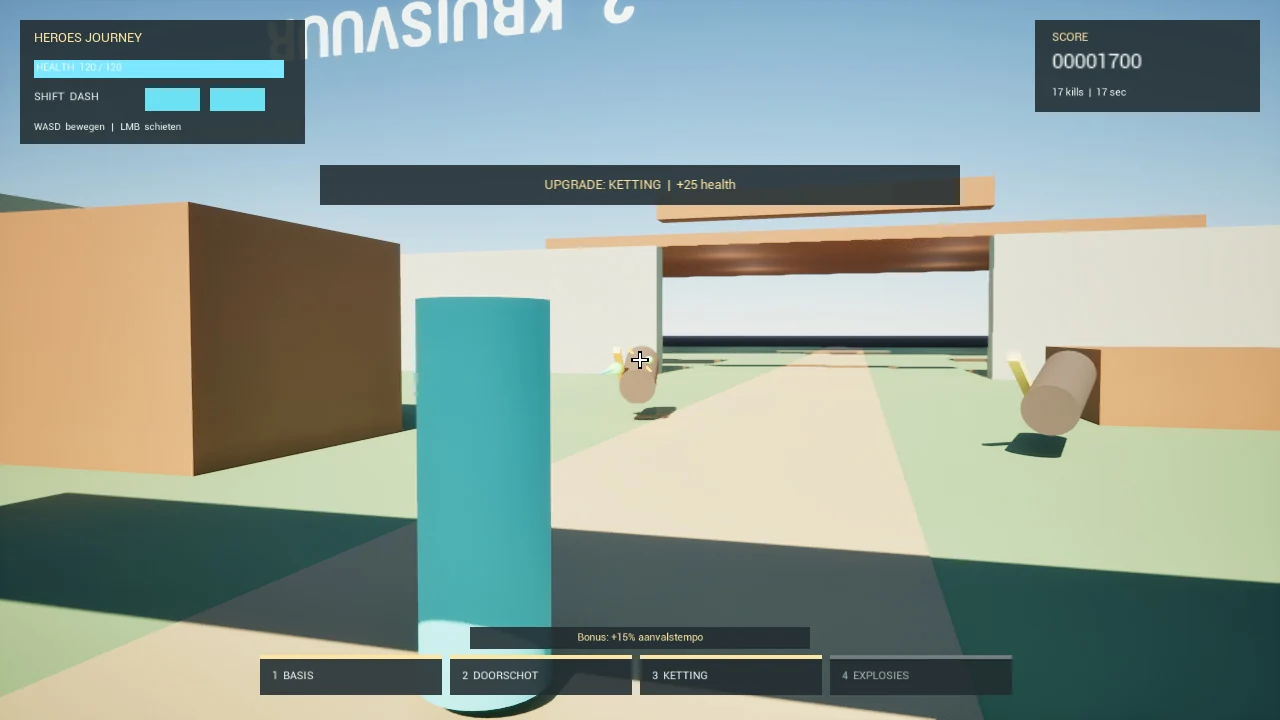
While we picked the visual direction, I could already test movement, enemy behaviour and camera distance. That blue cylinder gave animation, combat and level work a playable starting point.
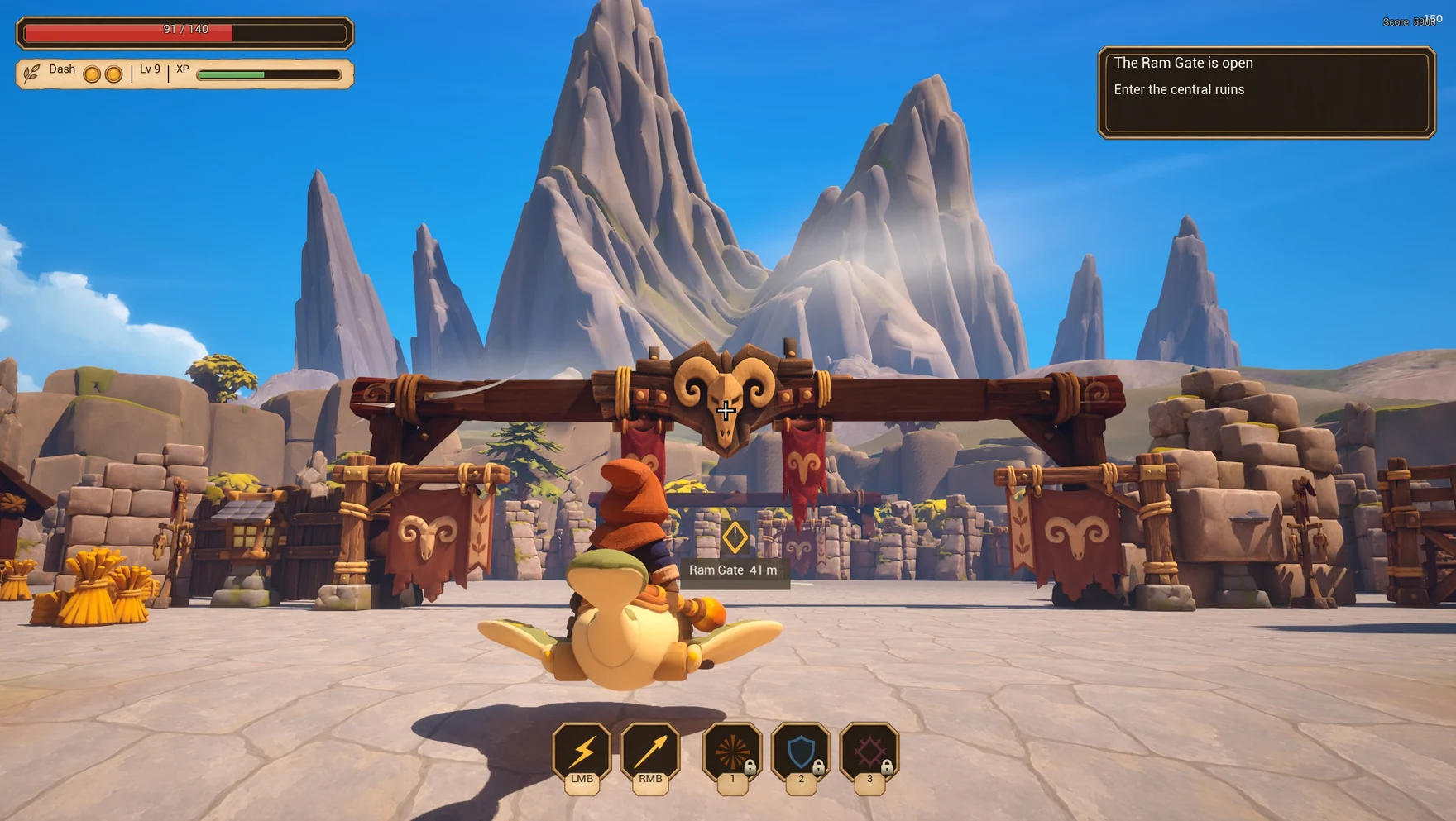
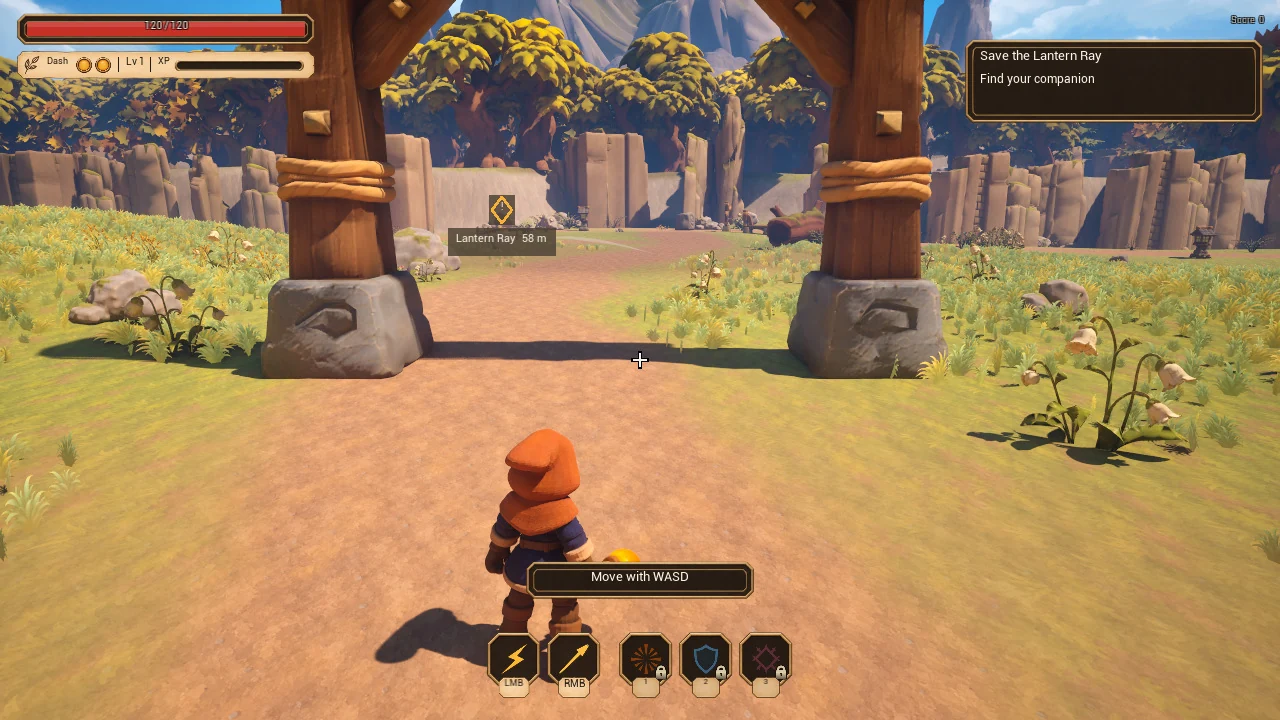
First playable route The camera and controls worked with placeholder shapes.Released game The hero rides the Lantern Ray to the Ram Gate.
I brought decisions and playtest notes back to one Codex conversation. It could turn my feedback into briefs with references and a result I could check. Shared notes and a kanban let each specialist pick up the current plan.
Codex wrote code, built tools and checked builds. Claude Code also handled substantial Unreal implementation and integration. I set direction, played the builds and did hands-on level and audio work.
Tim + a central Codex chatChoose what to build or fix next
ArtConcepts and models
ProgrammingGameplay and tools
AudioCues and music
ReleaseTrailer and devlog
One Unreal owner at a timeIntegrate, verify and hand over a build
↺ I play the build and feed back into the next brief.
Playtest changes
What changed once I could play it
Having a build in my hands changed the brief. Some fixes needed design work, some needed code, and some needed a control I could reach in the editor.
A HUD that gives the game room
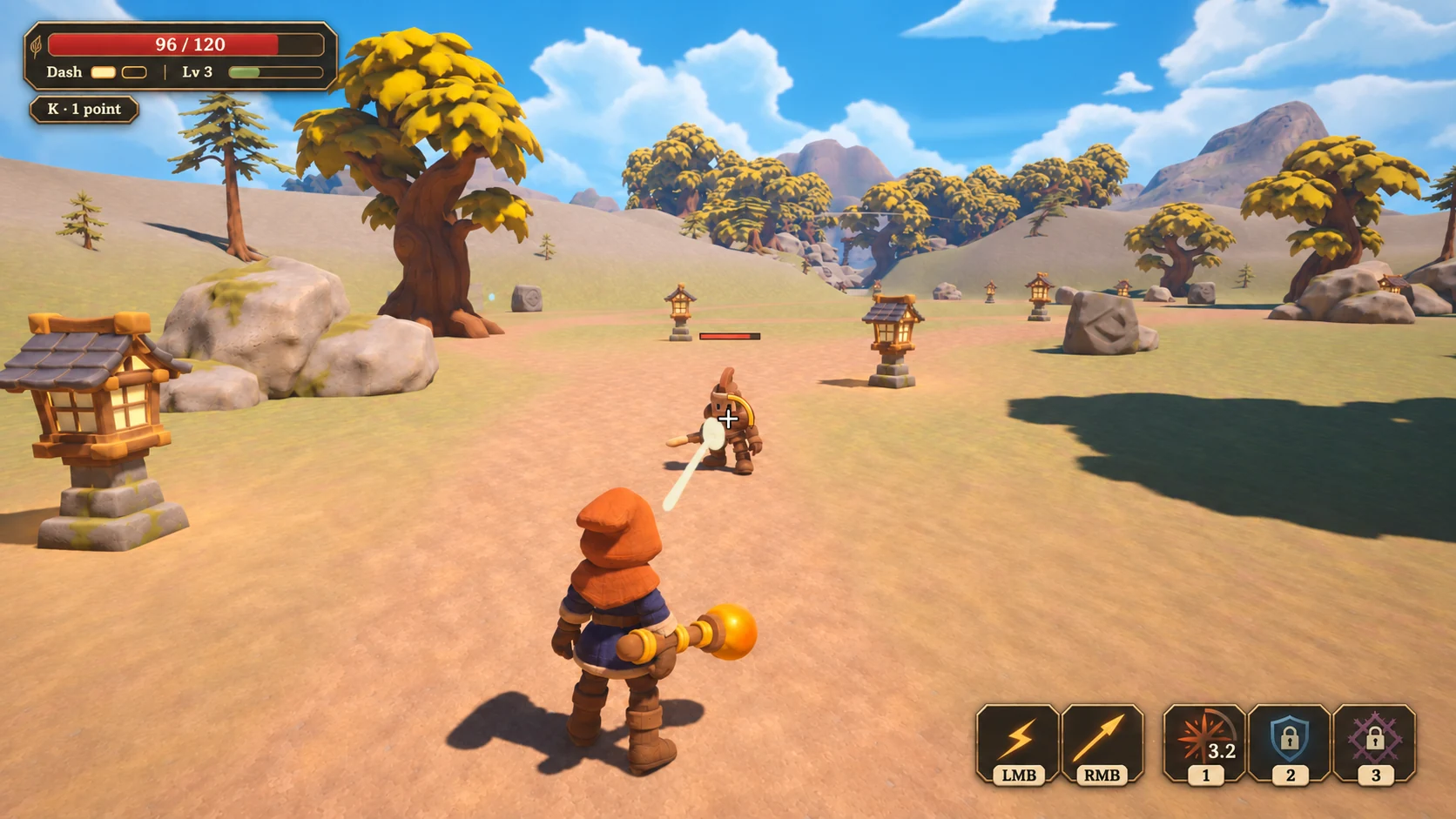
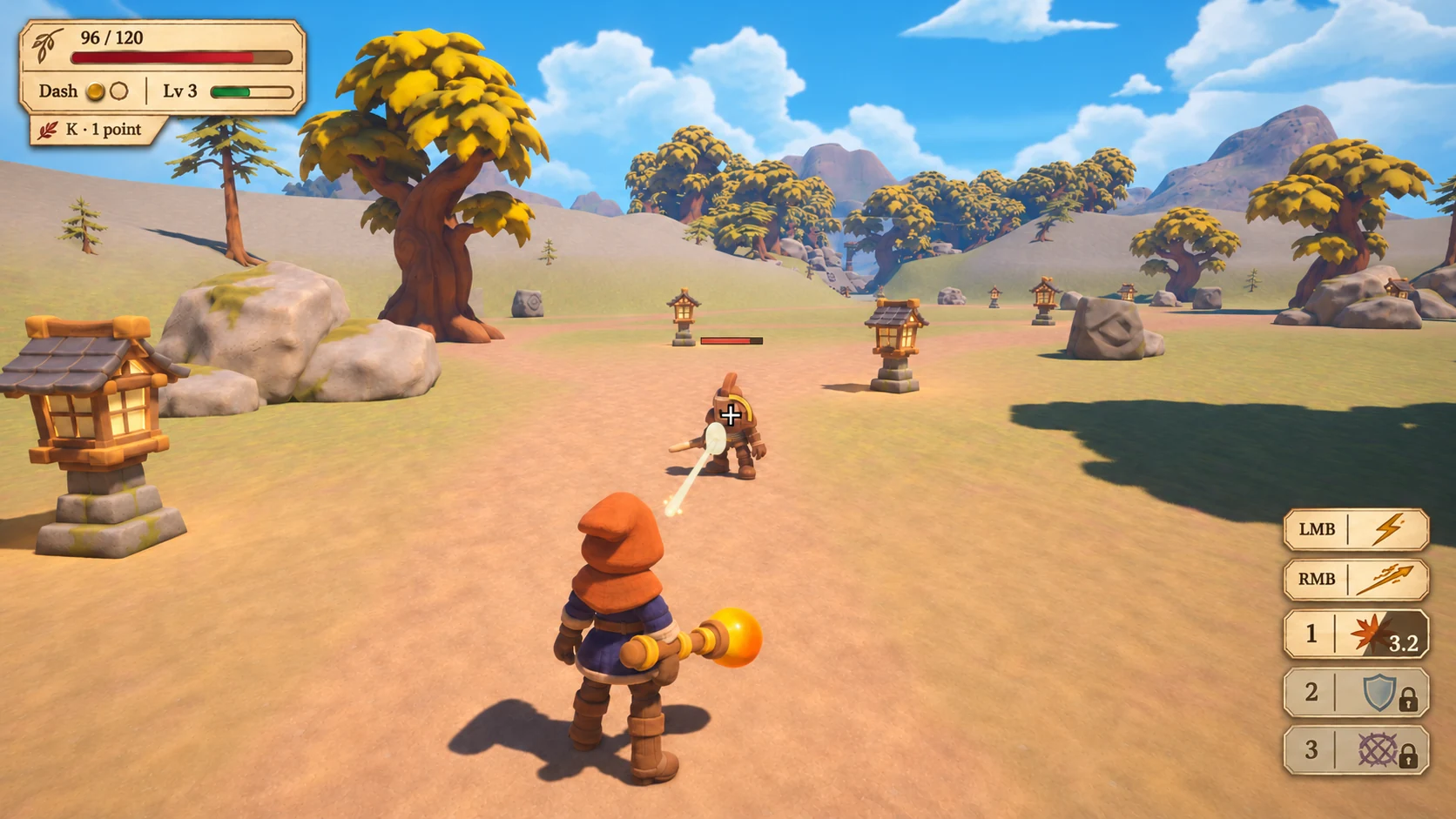
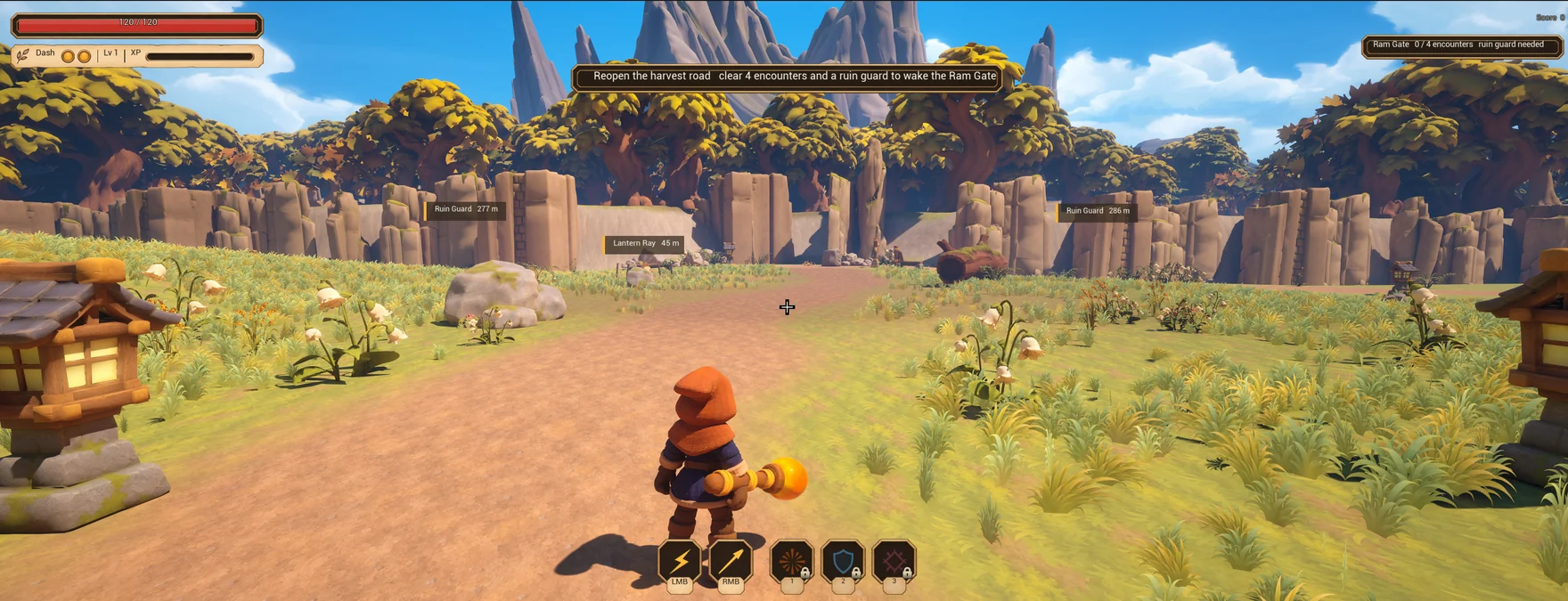
Two generated HUD studies gave us dark enamel for the five ability slots and parchment for progression. During play, the opening still pointed at several objectives. Codex reworked it around one clear first goal: Save the Lantern Ray.
AI concept Enamel ability slots and a lighter progression strip.Gameplay after the change One active objective and one hint at a time.
See the earlier HUD studies and playtest
Study B Dark enamel and small ability icons.Study C Parchment and ink details.Earlier playtest Waypoint labels competed with the instruction across the top.
Skills players can build around
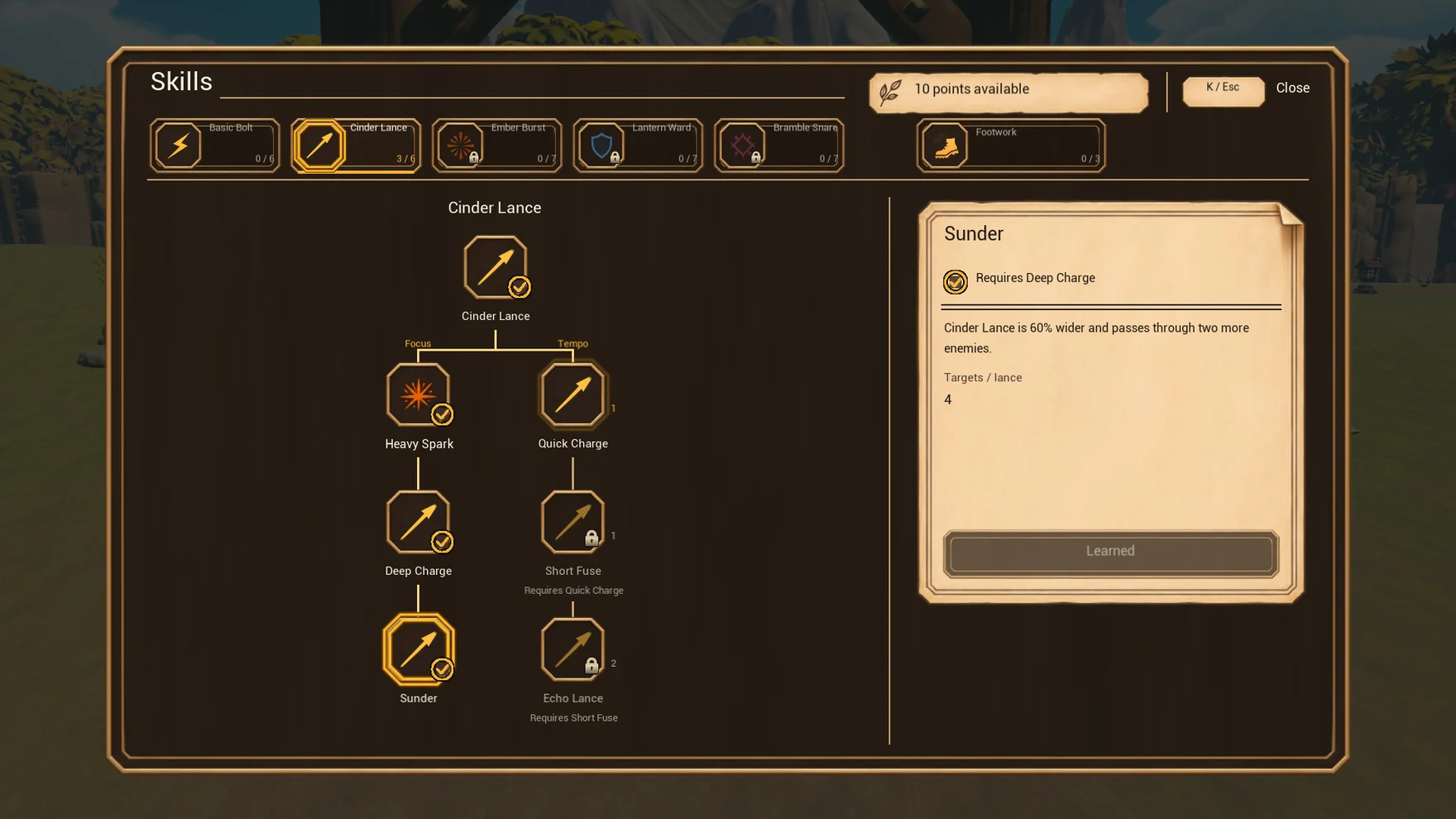
The first upgrade pop-ups interrupted fights. We moved progression into ability trees so players could save points and choose when to spend them. With Cinder Lance, they can pursue a faster charge or a wider piercing shot.
Codex then added a first-use prompt. Skills opens once your first point becomes spendable and the fight is over. After that, a small badge reminds you when you have points left.
Packaged game capture The Cinder Lance tree splits into Focus and Tempo.
Tuning I could do myself
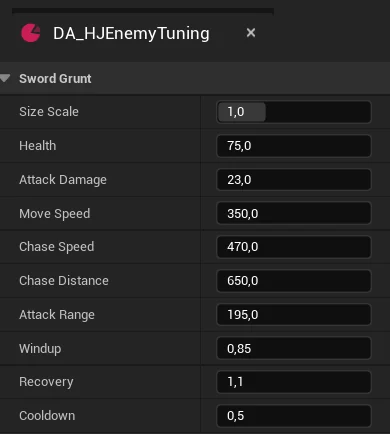
Codex exposed player and enemy settings in Unreal Data Assets. I could change health, movement, damage and cooldowns from the editor. Other assets let me swap sounds and change effects without compiling C++.
Enemy tuning in Unreal My editor view of the Sword Grunt's settings.
Same build · Two settings
Cinder Lance charge effect
The same game code reads two different sizes from the Combat VFX asset. The larger effect is from a tuning test.
250 × 30 cm Default VFX profile400 × 60 cm Edited VFX profile
Heroes Journey
Play the finished take
Rescue the Lantern Ray, build up your spells and face the Ram Guardian. The devlog follows the game from its first blockout to release.